By App Discoverer Editorial Team · Updated October 1, 2026
AGAMA Car Launcher

Overview
Auto & Vehicles
altercars.ru
Free
Jul 27, 2017
5.0.5
5.0
$8.49 per item
No
May 19, 2026
Features
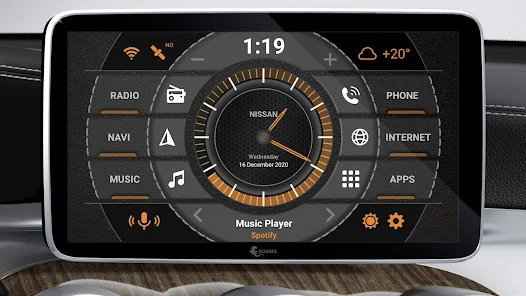
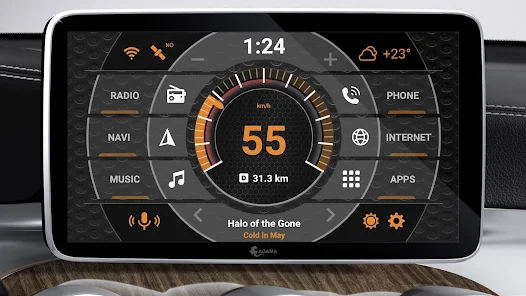
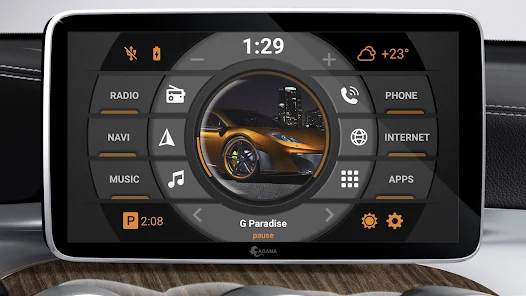
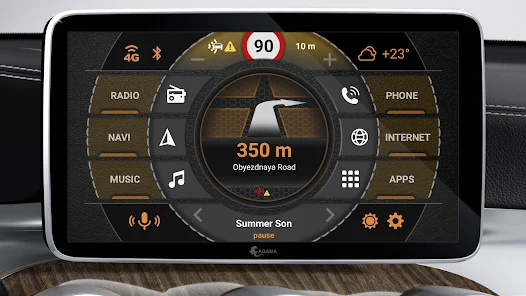
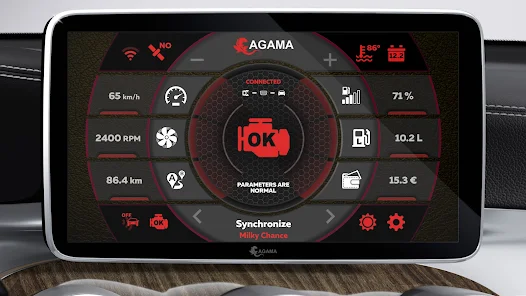
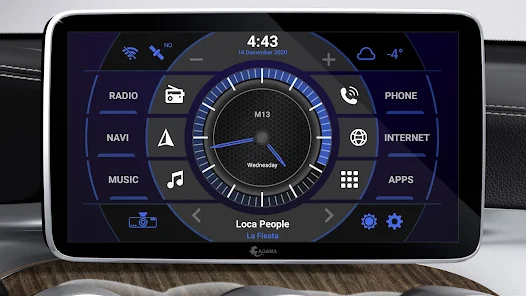
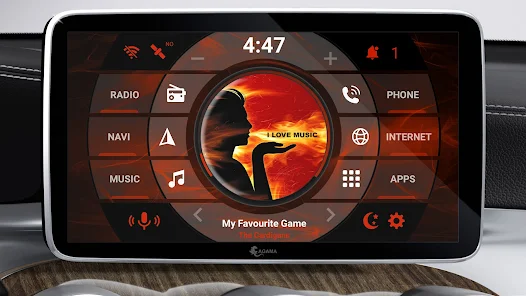
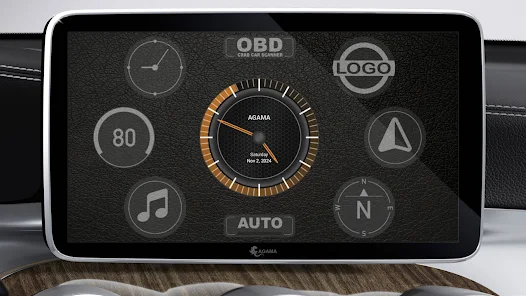
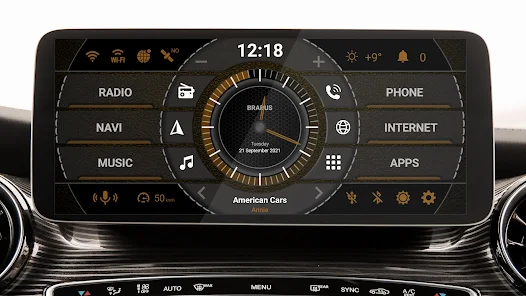
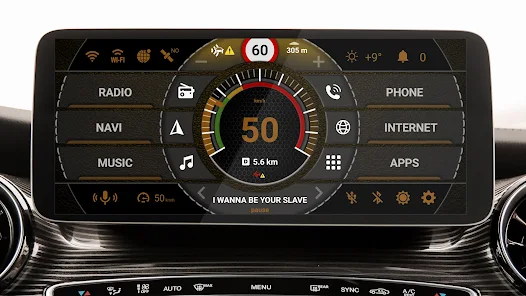
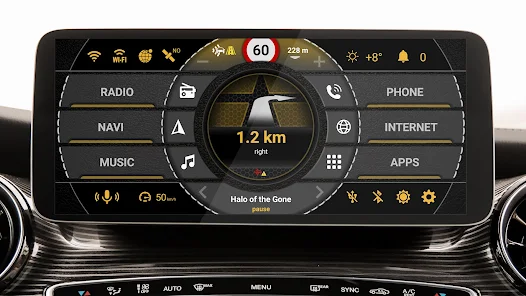
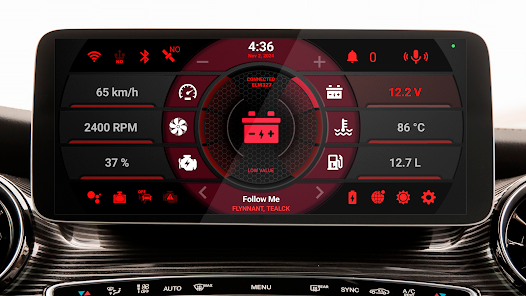
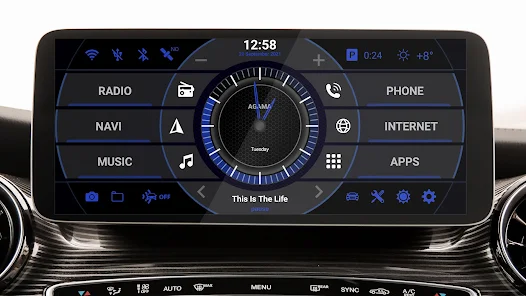
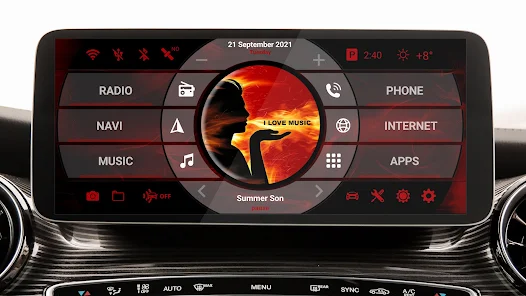
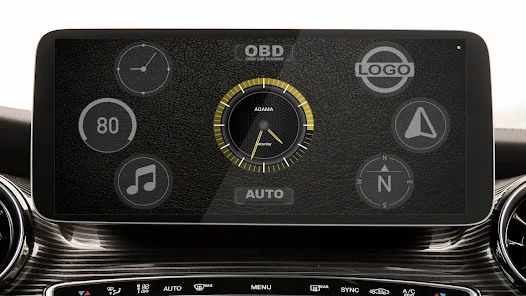
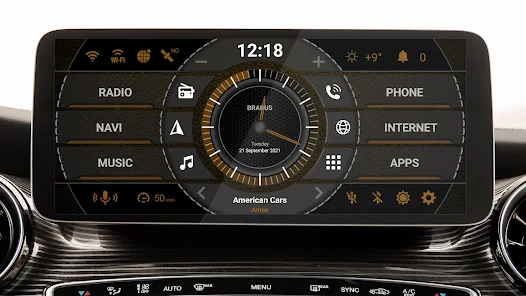
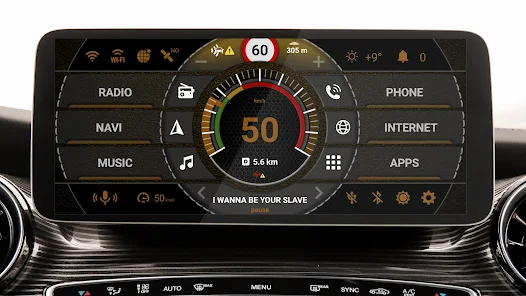
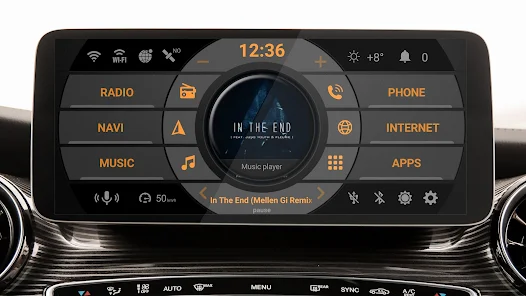
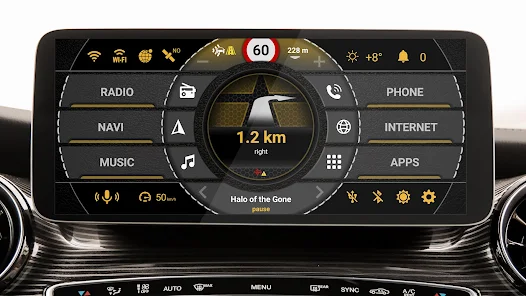
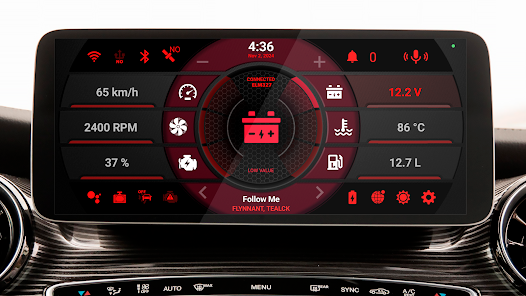
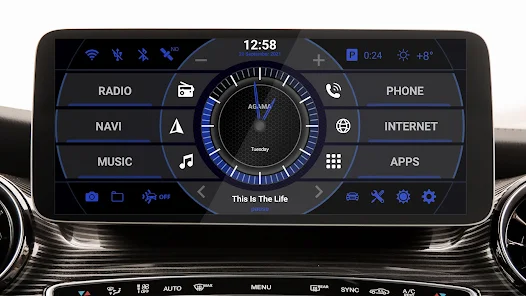
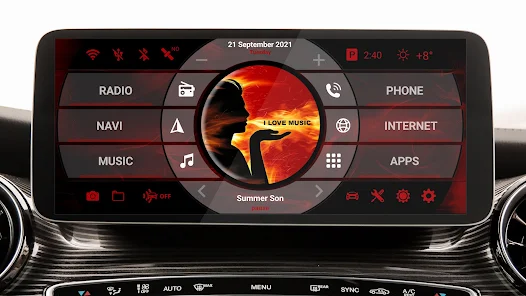
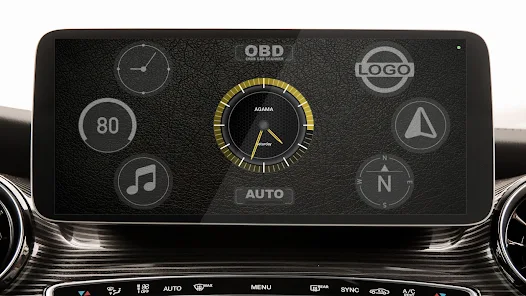
Never before was the multimedia control in your car so comfortable. Meet the new car launcher AGAMA. All the most useful features and necessary information are just a click away. The simple clean design and easy control will not interfere with the flexibility of the settings. AGAMA varies depending on the interior of the car and your mood, but it always remains an elegant and reliable interface that connects the driver and the car. AGAMA Car Launcher
The AGAMA Car Lau...
Never before was the multimedia control in your car so comfortable. Meet the new car launcher AGAMA. All the most useful features and necessary information are just a click away. The simple clean design and easy control will not interfere with the flexibility of the settings. AGAMA varies depending on the interior of the car and your mood, but it always remains an elegant and reliable interface that connects the driver and the car. AGAMA Car Launcher
Download AGAMA Car Launcher
Get the official app from the trusted app stores. You will be redirected to the download page.
Official Links
When you purchase through links on our site, we may earn an affiliate commission. Learn more
Ratings breakdown
46,300 reviewsDeveloper contact
Name
Oleg Pavlov
Address
Carrer Escultor José Gutierrez, 21, P03 D 03540 Alacant Spain
Website
http://altercars.ruSupport
support@altercars.ru
Privacy
View policyFrequently Asked Questions
Is AGAMA Car Launcher free to download? high
Yes. The app metadata lists AGAMA Car Launcher as free, with in-app purchases listed as $8.49 per item.
Source: app_metadata
What do sampled users complain about in AGAMA Car Launcher? low
AGAMA Car Launcher has sampled complaints about payment, subscriptions, trials, or locked features. Only 1 sampled review supports this theme, so confidence is low.
Source: user_reviews
What do sampled users like about AGAMA Car Launcher? medium
AGAMA Car Launcher is praised by sampled reviewers as easy, useful, or convenient. 2 sampled reviews or 1 sampling buckets support this theme.
Source: user_reviews
How to Use
Never before was the multimedia control in your car so comfortable. (app_description)
Getting Started
Source: app_description_and_user_feedback_noted
- Install AGAMA Car Launcher from the appropriate app store.
- Open the app and start with the free experience.
- Review the main features described in the app listing.
- Check settings or support resources if you run into sampled issue patterns such as agama car launcher has sampled complaints about payment, subscriptions, trials, or locked features.
Key Features (from app listing)
Source: app_description
- Auto & Vehicles app experience
- Free download
- From altercars.ru
- 5,000,000+ downloads listed
Theme 'easy, useful, or convenient to use' identified in recent_reviews #2, recent_reviews #5. Review #2 praises easy, useful, or convenient to use. Review #5 praises easy, useful, or convenient to use.
How this content was created
Content type: pattern_analysis_of_user_reviews_and_metadata
AI generated: Yes
- Google Play user reviews (12-20 preferred; may be smaller if source data is limited per app), November 21, 2020 to August 24, 2025
- Google Play ratings distribution
- App Store listing metadata
- Review samples are not statistically representative of all user sentiment
- High-engagement negative reviews can overrepresent complaints
- Claims labeled 'low confidence' are based on single-review observations only
- No real-world app testing was conducted
- Feature availability may vary by region, device, and app version
Pros & Cons
Based on analysis of Google Play user reviews
Pros
- Users appreciate the app: "The look and feel are perfect. I like the 'slide to center' interface, the layout, etc. I like the huge 'back' button on" high
Extracted from 3 high-rated user review(s)
Evidence (3)
“The look and feel are perfect. I like the 'slide to center' interface, the layout, etc. I like the huge 'back' button on the left when you leave the main page. Very nice looking. There is not a lot of”Rating: 4★ May 18, 2021 73 likes“It's one of the best Auto launchers out there. However, I gave it 4 stars, because of these cons: - The launcher quick launch only works with downloaded apps, not with the default apps like radio, mov”Rating: 4★ October 06, 2019 12 likes“Generally a nice experience with a few little issues: The temperature indicator would be more useful if it could update more frequently It requires a manual update to be even close to accurate when th”Rating: 4★ November 21, 2020 29 likes
Cons
- Some users report issues: "Great all! But no way to buy it :( This is the best car launcher I've found out there. It's clean, intuitive, with customizable interface. I'd give it" low
Identified from 1 low-rated user review(s)
Evidence (1)
“Great all! But no way to buy it :( This is the best car launcher I've found out there. It's clean, intuitive, with customizable interface. I'd give it 5 stars if not for the fact that there's no way t”Rating: 2★ August 24, 2025 25 likes
Recent Reviews
Brian Miller
2★Great all! But no way to buy it :( This is the best car launcher I've found out there. It's clean, intuitive, with customizable interface. I'd give it 5 stars if not for the fact that there's no way to pay for it after the trial runs out. Apparently there is an issue with US based credit cards (and others) making payments to the Russian vendor / developer. I can't buy it in Google Play. I went to the web site, and my credit card is rejecting the purchase there as well.
Lance Stubblefield
4★The look and feel are perfect. I like the 'slide to center' interface, the layout, etc. I like the huge 'back' button on the left when you leave the main page. Very nice looking. There is not a lot of customizing though - you can change the shortcuts and colors. Many of the built-in tools do not work. The compass is all over the place, yet another compass app works perfect. The built in music info and controls do not seem to work at all with bluetooth music from my phone (I can set the default music player to bt music, but it does not display song info, time, etc). This launcher runs very fluidly - doesn't seem to tax my memory at all. I will play around with it a little more, but I'll probably use one of the other launchers until this one evolves a little more.
Mark Cavaliere
3★I really like the functionality of this launcher over others, but it doesn't fit vertical/portrait head units, otherwise this would be the one I use hands down. On a Phoenix Automotive unit, it ends up having wasted space that doesn't look good on a vertical screen, and if If you try to adjust the screen size in the settings, it just stretches it out and looks horrible. Part of the launcher is also covered by the top bar in the Phoenix Android unit, so it needs to be able to adjust the top margin as well.
A Google user
4★It's one of the best Auto launchers out there. However, I gave it 4 stars, because of these cons: - The launcher quick launch only works with downloaded apps, not with the default apps like radio, movie, music ... etc ... - The display does not detect the orientation of the screen, and change the display. - Speedometer only use GPS, and does not have option to use ODBII
Ian Morris
4★Generally a nice experience with a few little issues: The temperature indicator would be more useful if it could update more frequently It requires a manual update to be even close to accurate when the temperature changes during the day. My Atoto head unit allows for three finger swipe volume control which does not work well with this App and always ends up with a dialog on the screen as if I'd hit a button with one finger. (ie asking if I want to clear the odometer). This is not user error. I love the integration with PowerAmp.